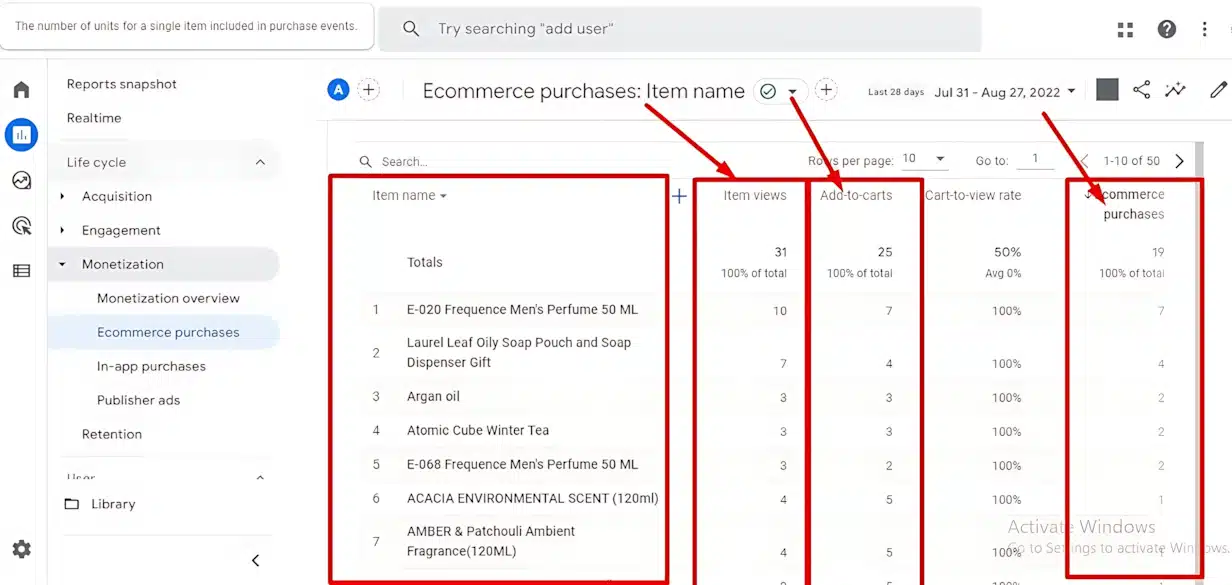
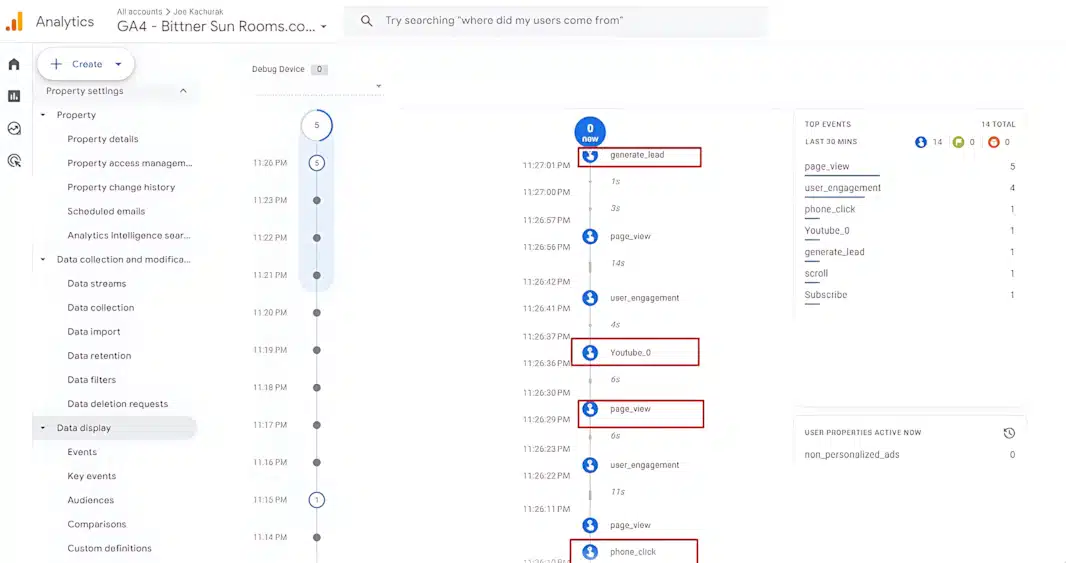
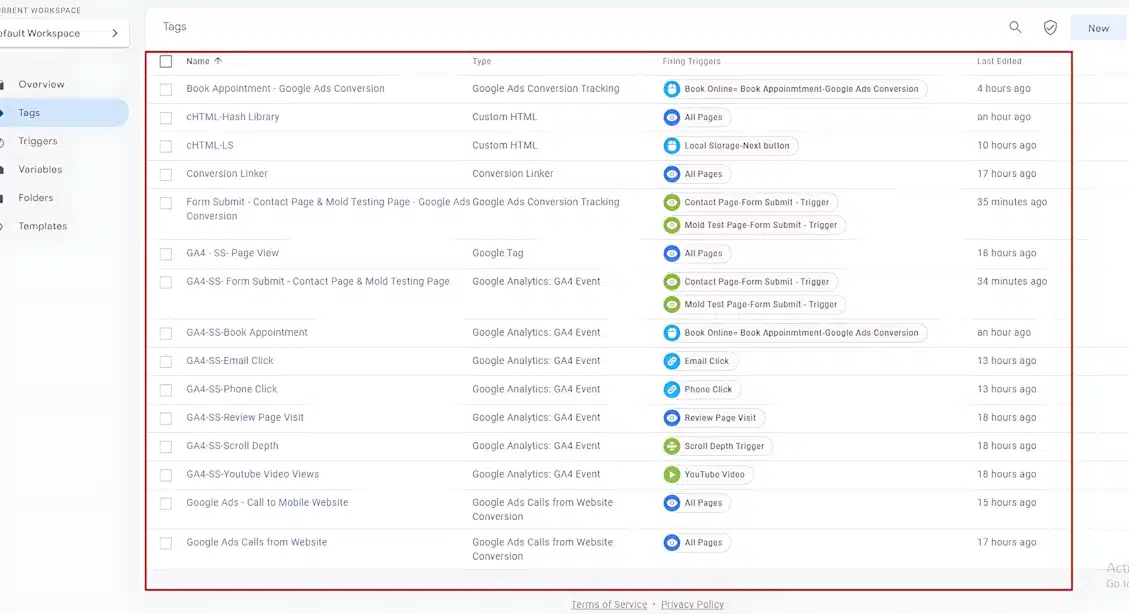
E-commerce Tracking GA4
- Home
- E-commerce Tracking GA4
Google Anaytic 4 Browser Side Tracking
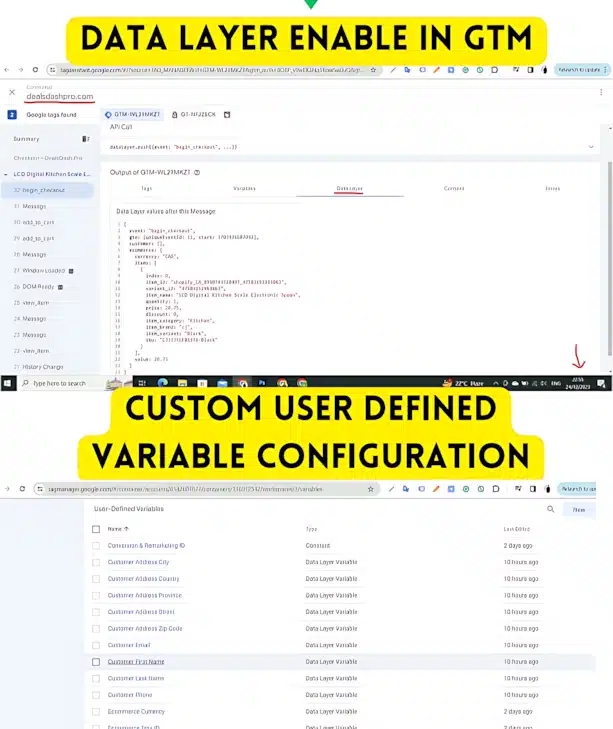
- Google Tag Manager setup
- Google Analytics 4 (GA4) setup
- Cross-domain tracking
- Server-side Conversion API (CAPI) configuration
- Custom conversions setup
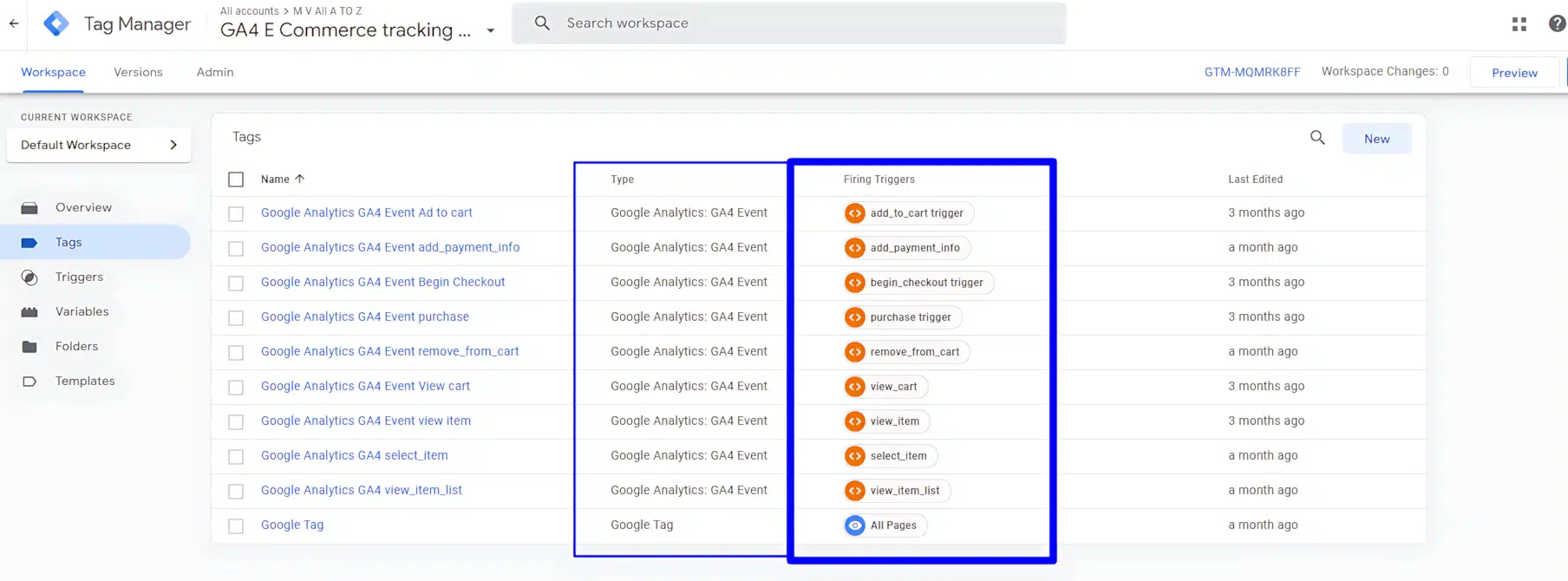
- Ecommrce Site All Event Setup
Some Portfolio
FAQ
Browser-side tracking gathers data via the user’s browser, while server-side tracking sends data directly from your server to Google Analytics, ensuring better accuracy and security.
Server-side tracking avoids reliance on the user’s browser, reducing the impact of ad blockers and safeguarding sensitive information
Absolutely! Combining both methods ensures comprehensive data collection and minimizes tracking gaps
Yes, server-side tracking requires a more advanced setup compared to browser-side tracking. Assistance from a developer or tracking expert is often necessary.
GA4 includes features like IP anonymization and customizable data retention policies, helping businesses stay compliant with GDPR, CCPA, and other privacy laws.
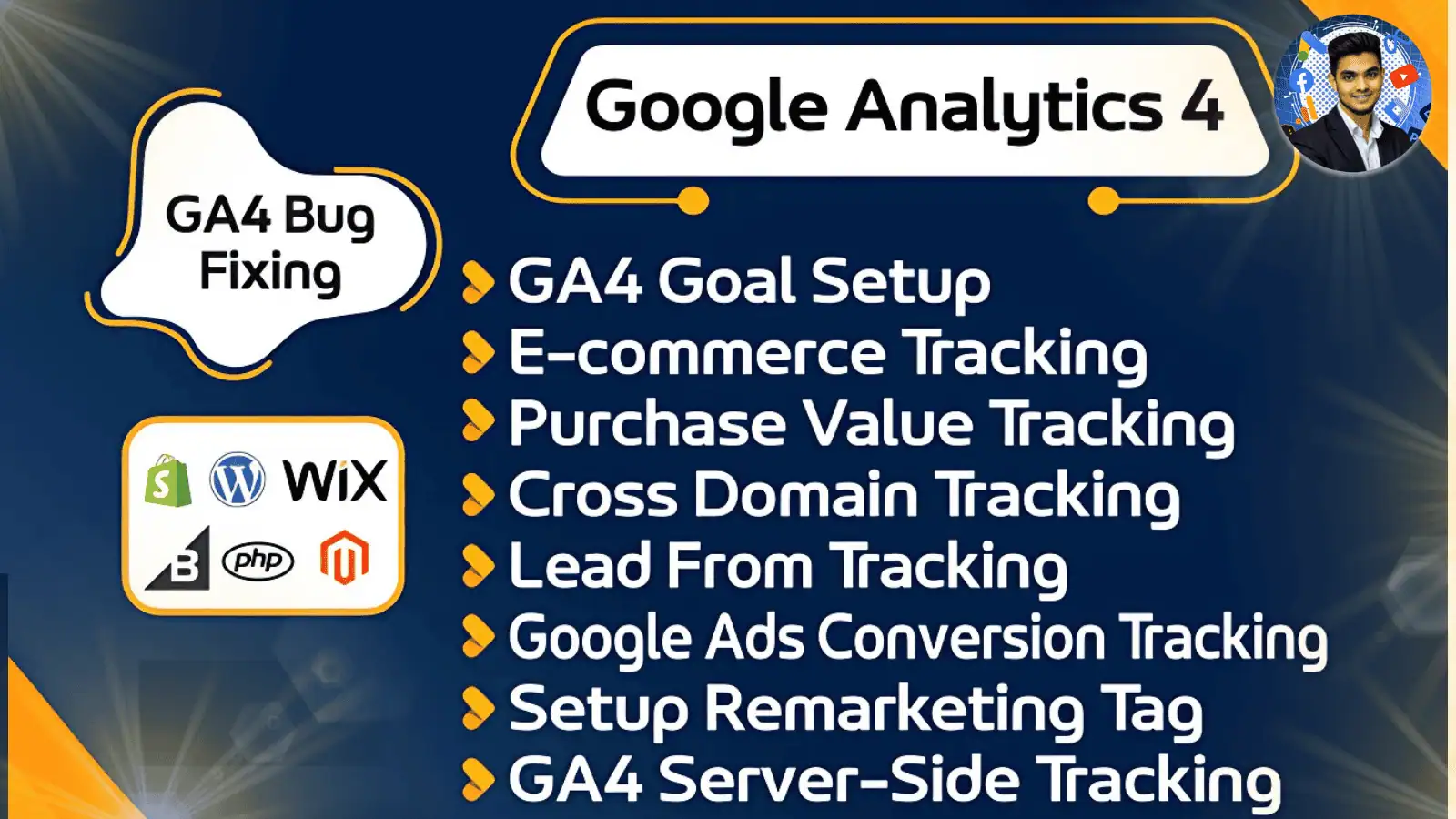
Key events include page_view,view_item, add_to_cart, begin_checkout, and purchase.
Use GA4’s DebugView or browser developer tools to verify event tracking and data flow.
Not much expensive
Server-side tracking incurs additional costs for cloud hosting and maintenance, but it offers long-term value by improving data accuracy.